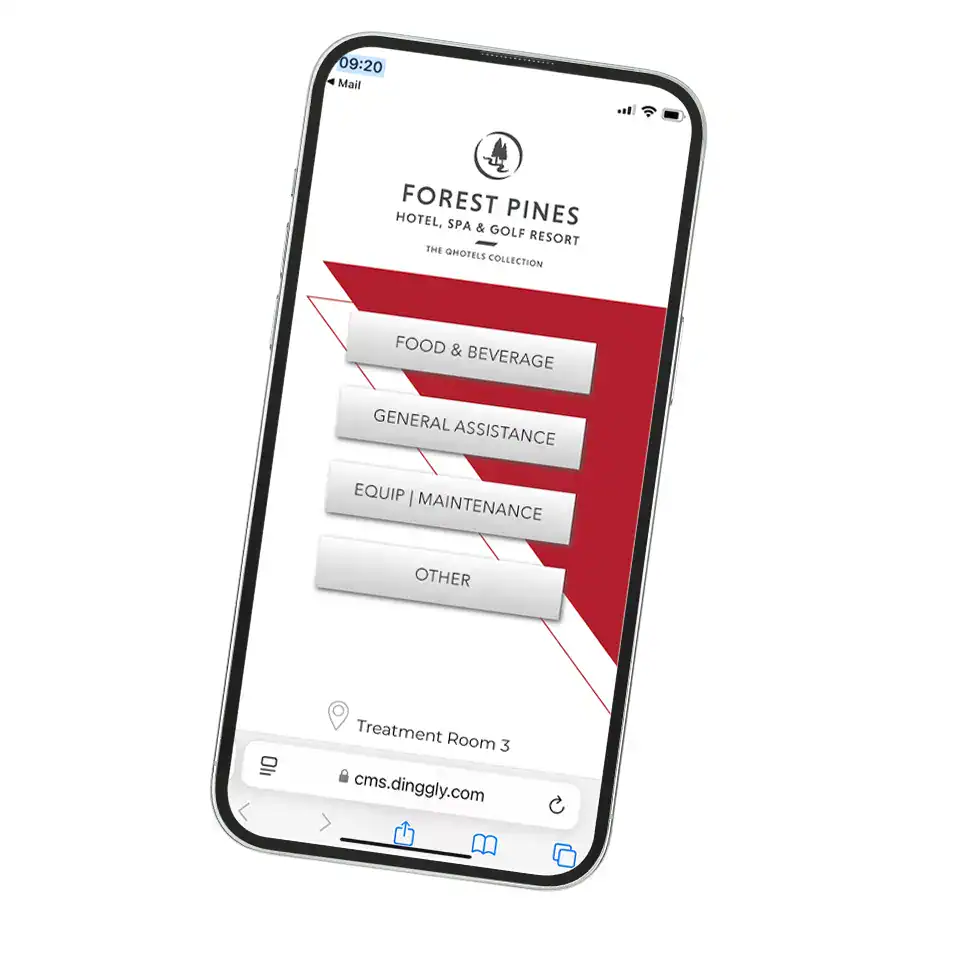
Virtual (QR) Call Buttons

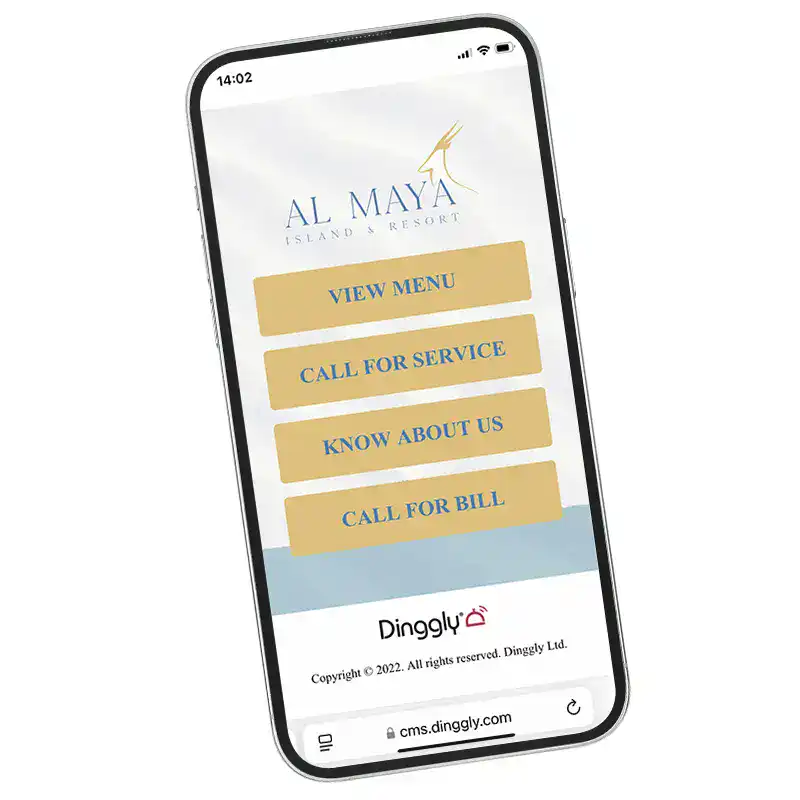
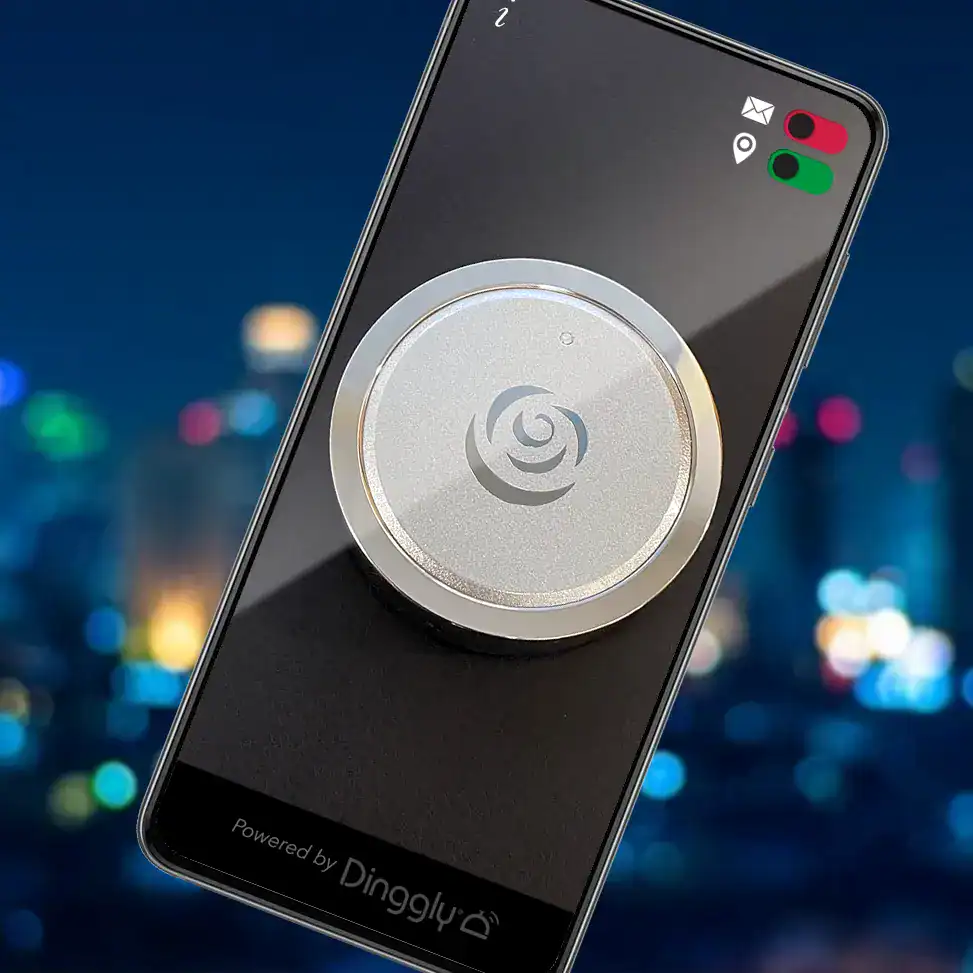
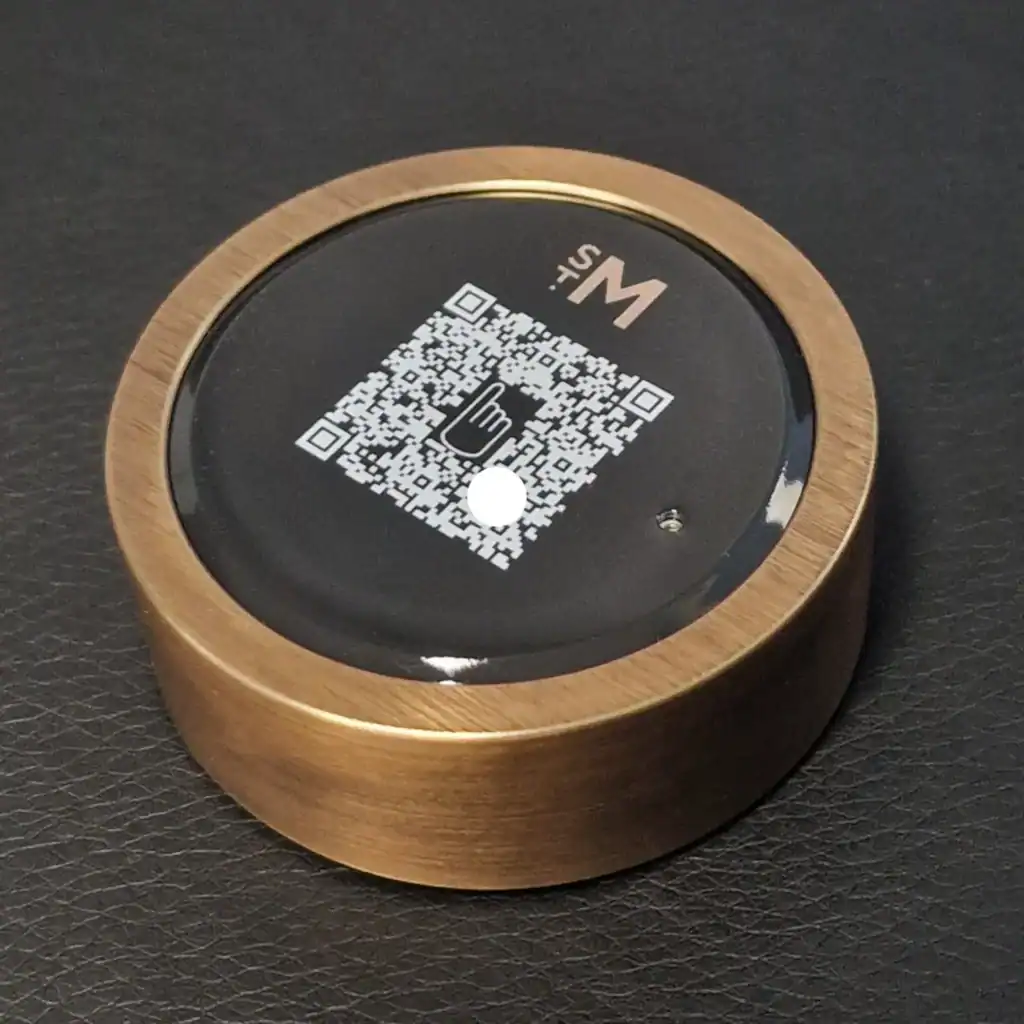
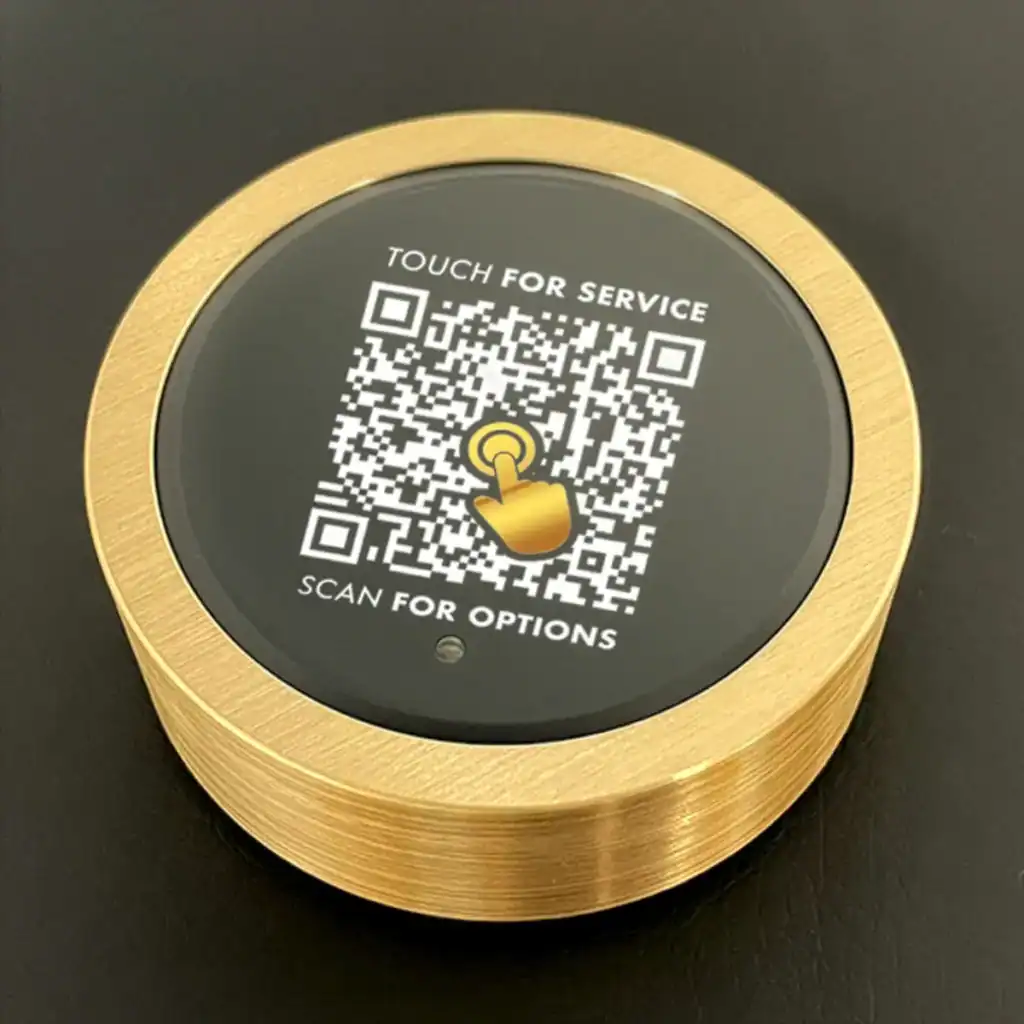
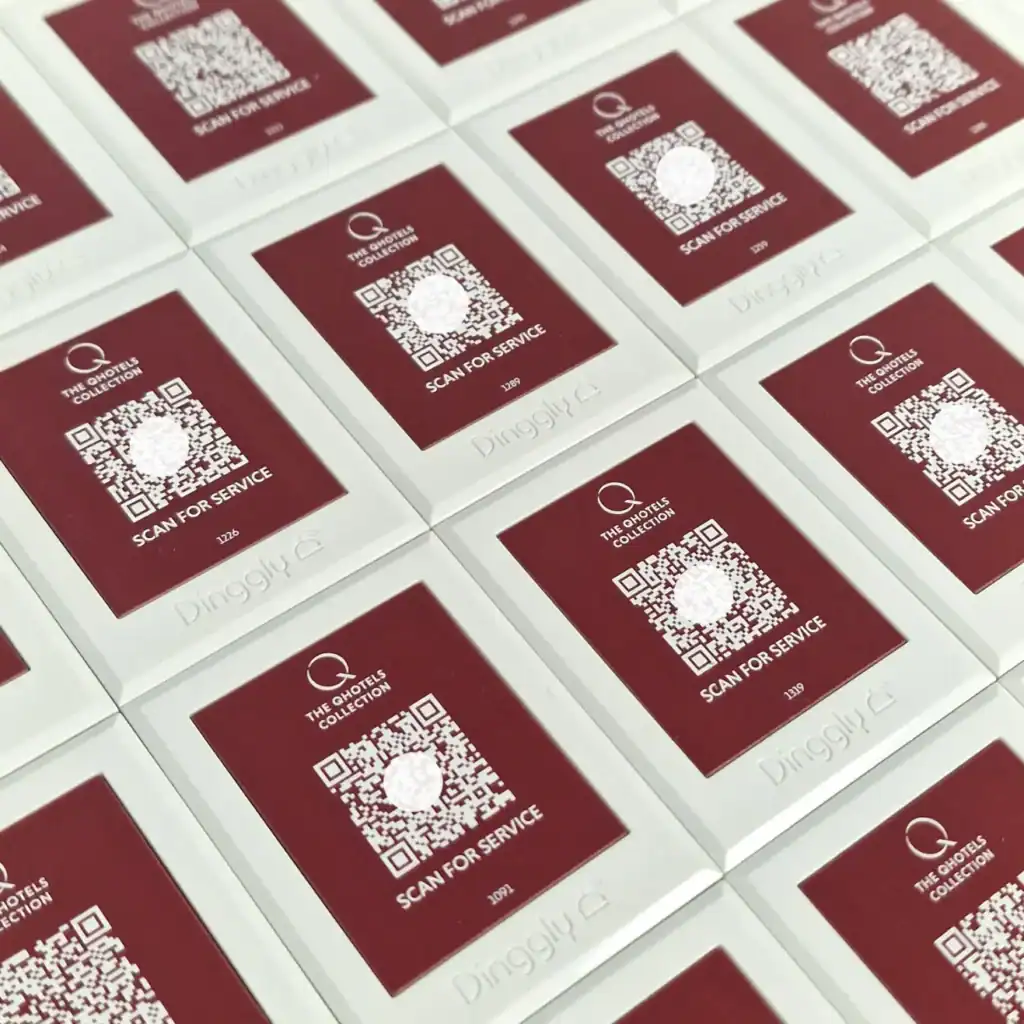
A virtual QR call button works just like a traditional call-for-service bell, but with a modern twist: instead of pressing a physical button, users simply scan it to reveal a menu of options.
Unlike many QRs that are often limited to automated ordering and reducing staff contact, Dinggly is designed to enhance human interaction. Our feature-rich virtual buttons bring the ‘human touch’ back to digital service.
Discover Virtual Call Buttons

Virtual call button features

Simple request for service

Tapping the screen will make a regular service call, just like tapping a physical call button. Plus its easy to add multiple call options – and flexible if you want to change anything.

Request for service with text and photo

Giving the option to add a message/ photo to a regular service calls gives you a lot more information up-front, saving time and visits.

2-way live chat

Allows the caller to engage in a 2-way chat with you. As Dinggly is cloud-based, the responder can be off-site and handling multiple sites.

2-way speech

Engage in a full conversation. There is no need for the caller to have an app, the call works straight from their browser*

Link to any URL, including ordering systems

Make it easy to direct the user to other information or to order online. Link to any URL- based ordering system or Dinggly’s exceptionally flexible POS system.

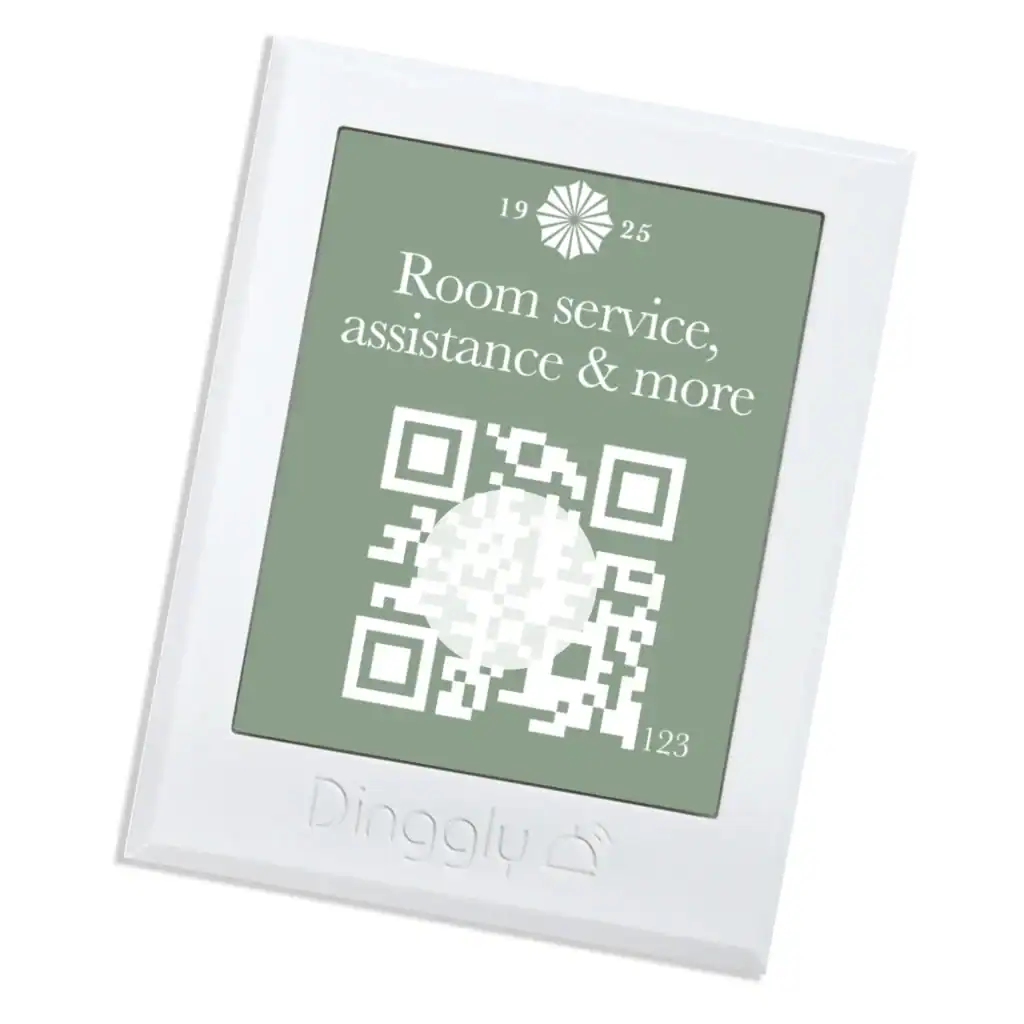
Every virtual call button has a unique QR and a reference. Through the Dinggly portal you tag each one with it’s location, just like a physical button.

Virtual call button features

Simple request for service

Tapping the screen will make a regular service call, just like tapping a physical call button. Plus its easy to add multiple call options – and flexible if you want to change anything.

Request for service with text and photo

Giving the option to add a message/ photo to a regular service calls gives you a lot more information up-front, saving time and visits.

2-way live chat

Allows the caller to engage in a 2-way chat with you. As Dinggly is cloud-based, the responder can be off-site and handling multiple sites.

2-way speech

Engage in a full conversation. There is no need for the caller to have an app, the call works straight from their browser*

Link to any URL, including ordering systems

Make it easy to direct the user to other information or to order online. Link to any URL- based ordering system or Dinggly’s exceptionally flexible POS system.

Every virtual call button has a unique QR and a reference. Through the Dinggly portal you tag each one with it’s location, just like a physical button.

Hybrid Call Buttons

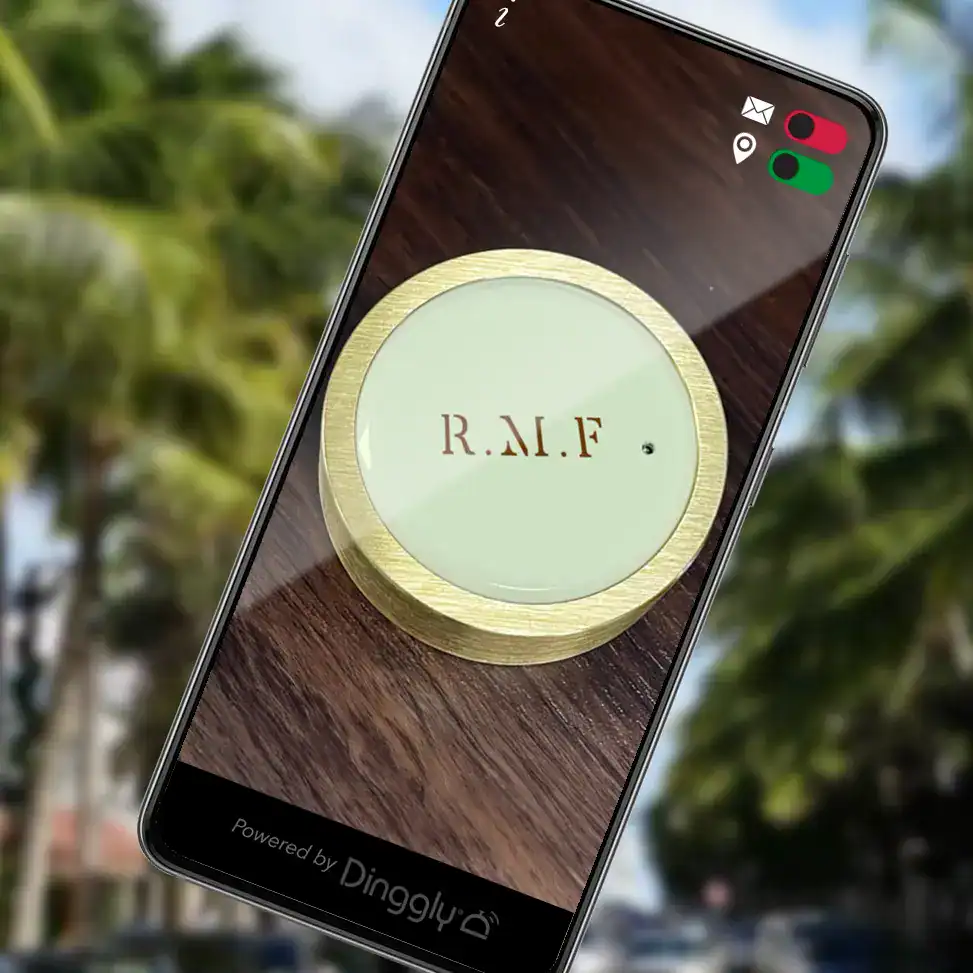
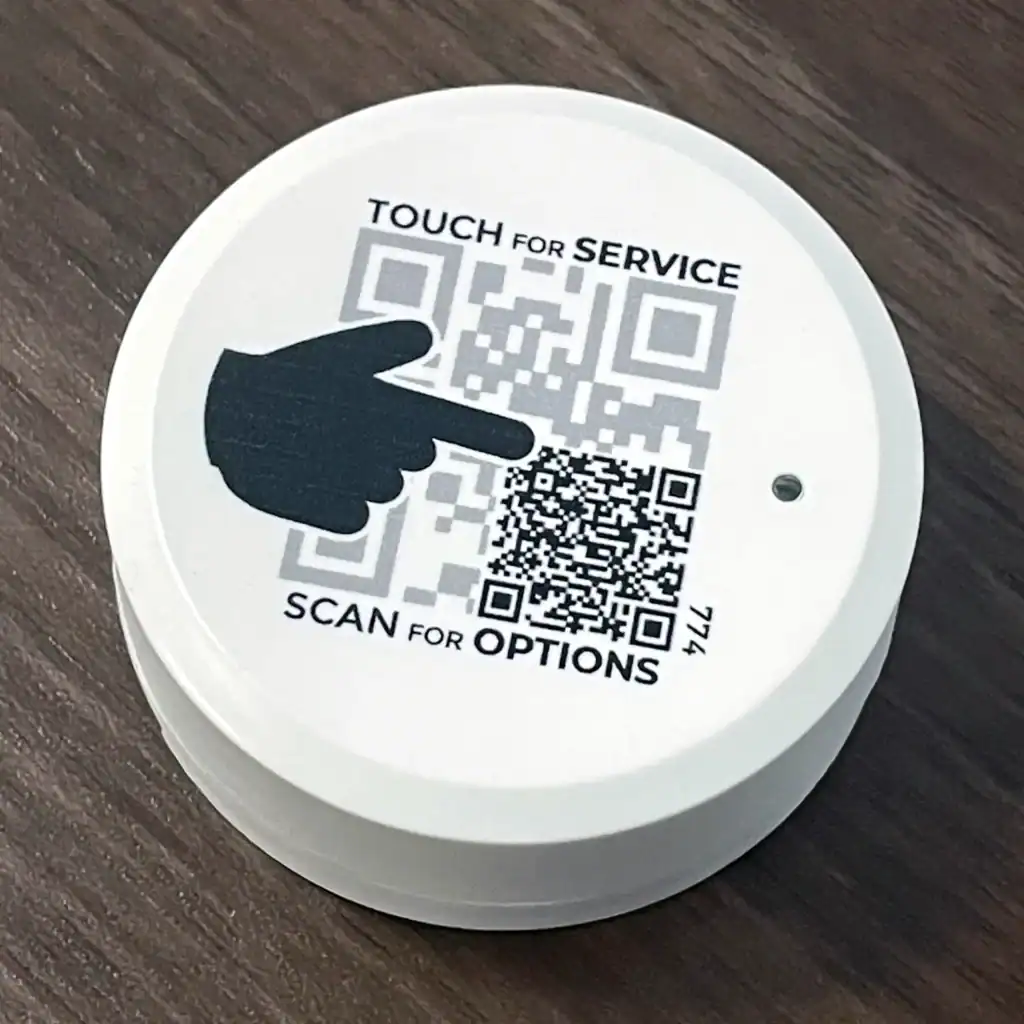
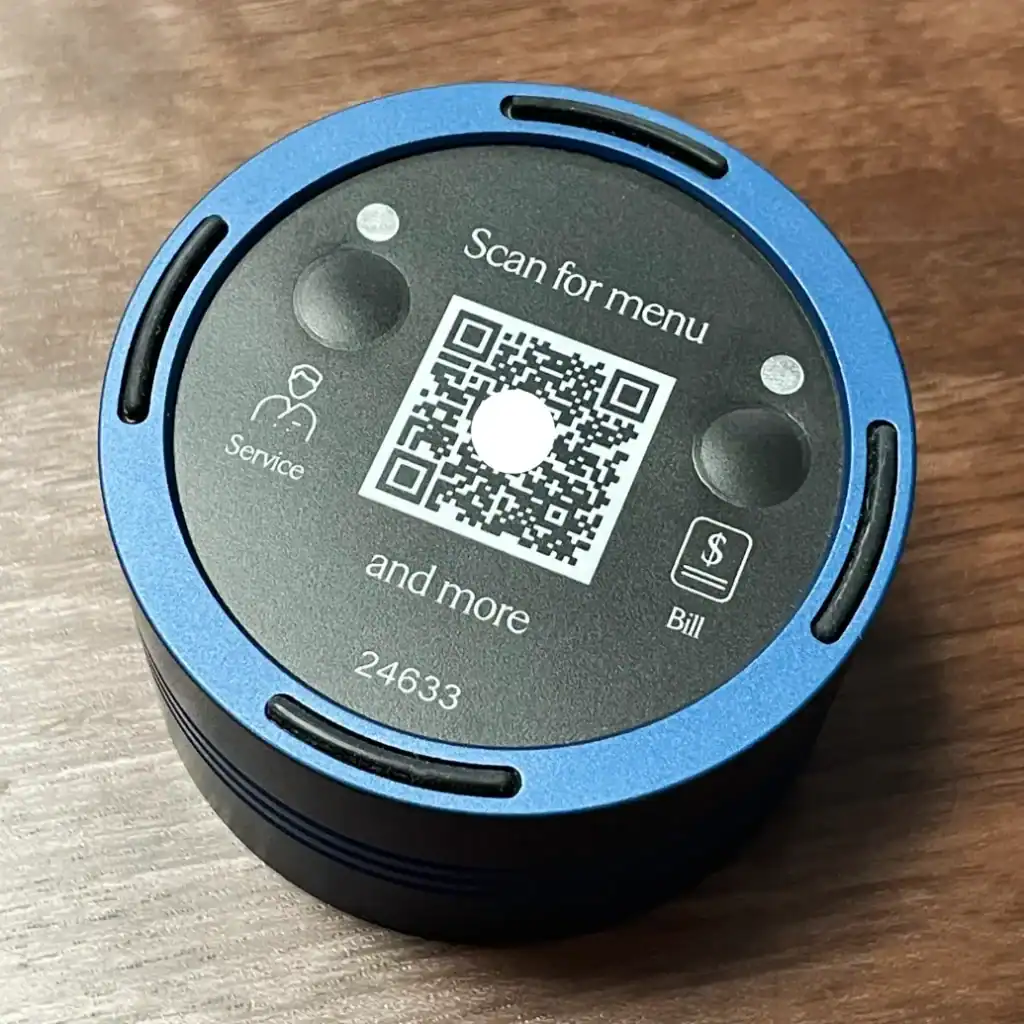
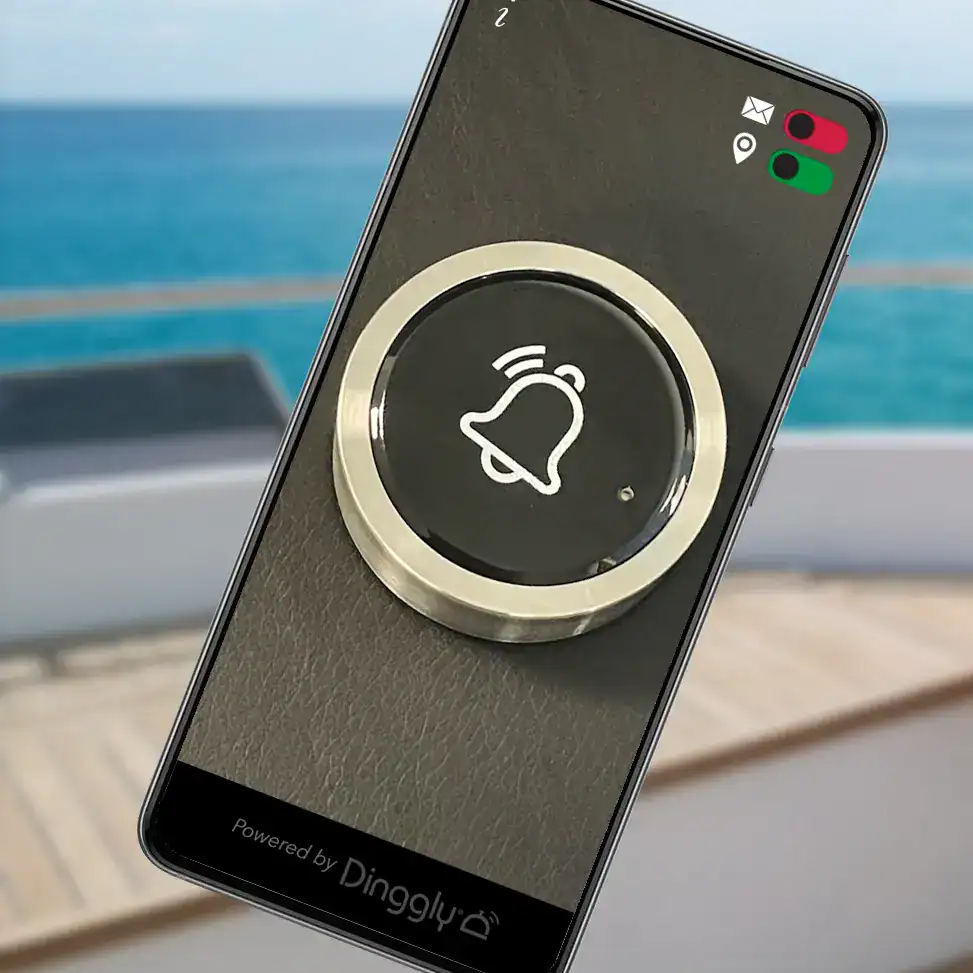
You don’t need to make a choice between physical call buttons and virtual call buttons. By adding a QR code to a physical call button it can be super-powered with features … whilst maintaining the delightful simplicity of requesting service at the touch of a button.

Two of the most common applications are:

1

requesting table or meeting room attendance plus being able to order items online

2

future-proofing buttons with a QR in work environments, where staff can be briefed on added features

Receiving calls

Calls can be received on your existing smart devices, Dinggly Pocket or WiFi Wrist Pagers, through browsers, MS Teams, Slack or a integrated with other systems through an API. The appropriateness of these solutions will vary according to the functionality of your system. For example, WiFi wrist pagers are not suitable for systems featuring picture messaging, live chat or voice calling.

It’s just like a regular, physical, call-for-service button …. but rather than touching it – you scan it. This reveals a menu of options.

There are certainly savings because of hardware costs. The saving will vary depending on how many feature you require in your virtual call buttons.

  • You are not limited to 4 types of call from a button (the maximum our physical call buttons can handle)
  • They’re future proof – you can easily change what people are calling for, unlike a permanently printed button.
  • You aren’t restricted to a simple “come here” type call. For example you can add a text message to the call
    • Or a photo
    • Or have a live-chat
    • Or even a phone conversation, without the caller needing a special app

Yes, it can be added to the call options. If there’s a URL, there’s a way.

Use either an existing provider or use Dinggly’s own POS.

There’s a screen which notifies them. Typically a running man turns green, but it’s up to you.

Just like a physical button, each QR is unique and carries a simple reference. You simply change the reference tag through your online Dinggly portal.

Yes. Our regular app allows for all these features.

In fact, you can mix call buttons and virtual call buttons within one system.

No. You can get them through a browser, our pocket pagers and we’ve an API allowing integrations to many third-party systems.

They’re a popular choice but no, we can supply the files so you can print to anything you wish.

In fact, a Dinggly virtual call button is a great way for consolidating how many QRs you display to customers. We’ve all seen those operations where multiple QRs are given to book or order X,Y or ). Dinggly puts all these QR links within the one calling screen.

Not necessarily, you can have the best of both worlds..

You can add a QR to a physical button, making a hybrid, multi-featured button, for example:

  • allowing text messages
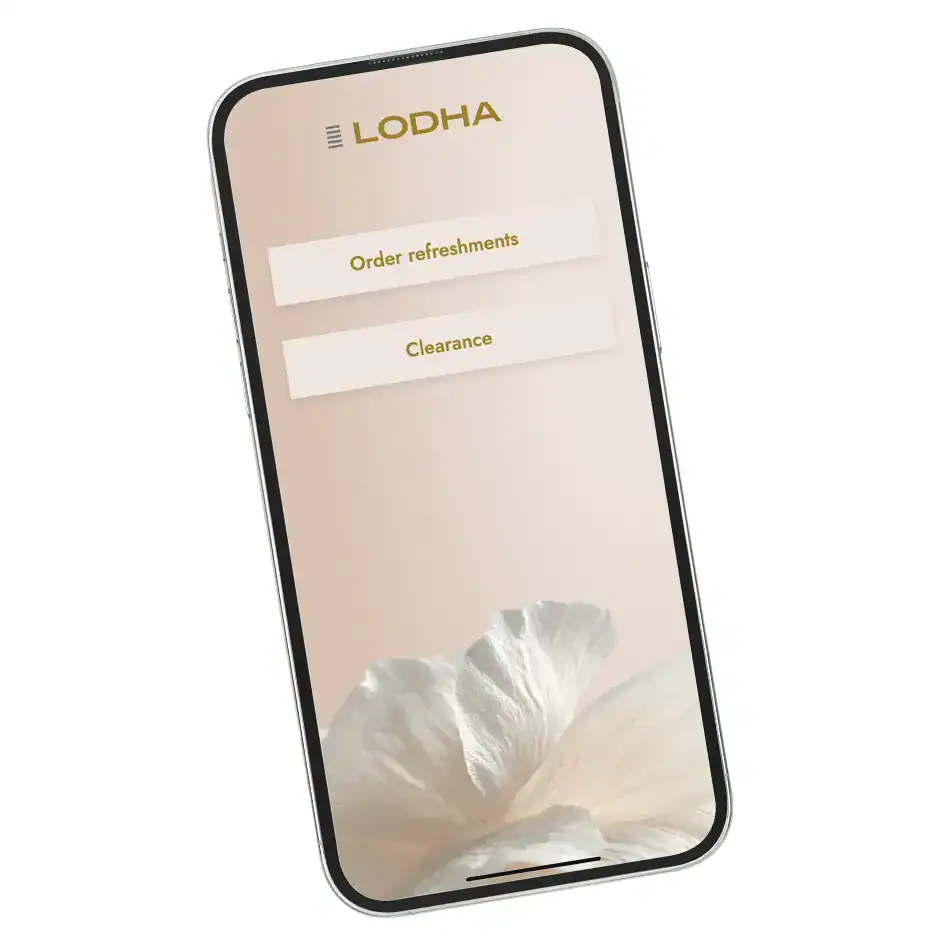
  • ordering refreshments
  • or just future-proofing them in case other requirements may emerge later

You get that simple elegance of pushing a button for assistance, plus the extra features if and when you want them.

For a quote, further information or to arrange a fully refundable loan Dinggly, get in touch with us

Wireless Calling System Sectors & Applications